

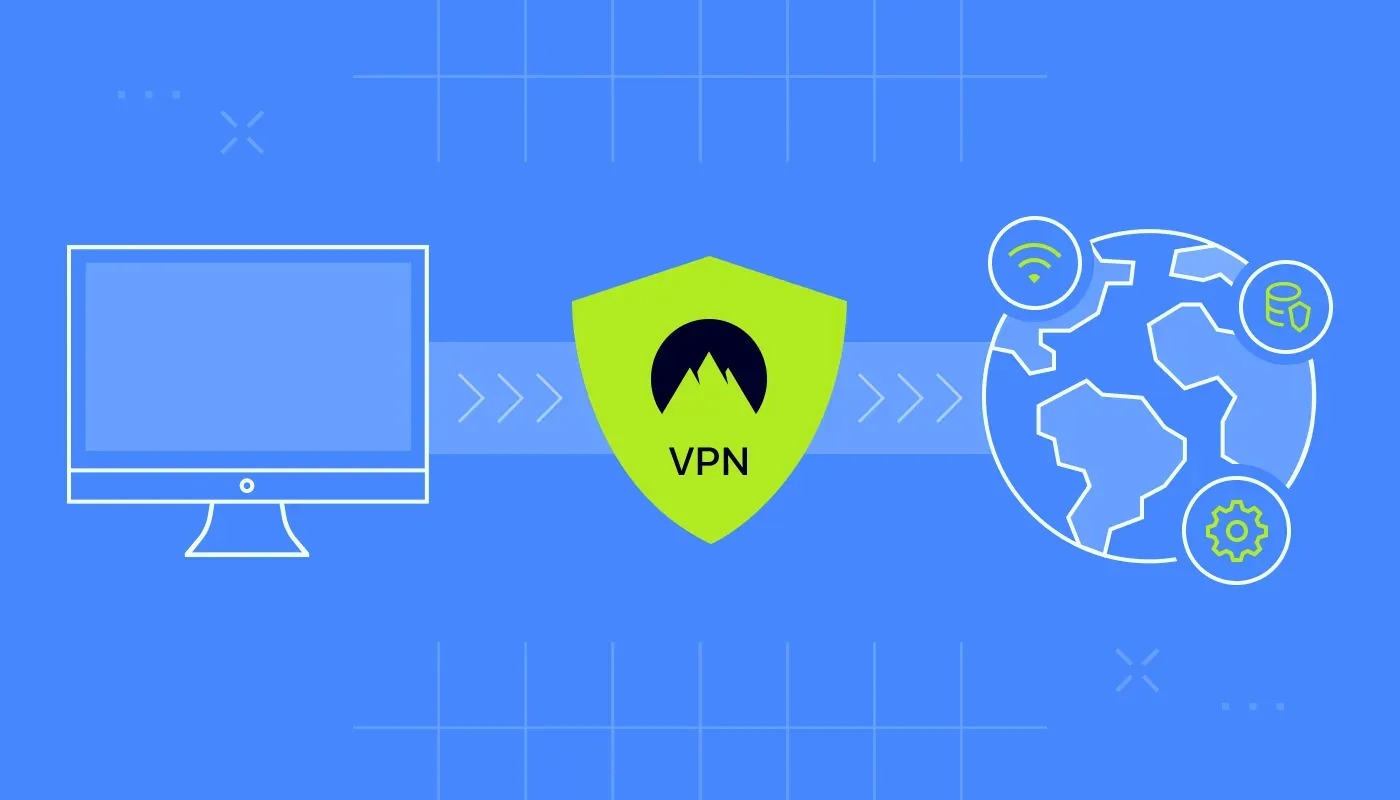
Setting up a vpn router might seem complicated at first, but with the right guidance, anyone can configure it to secure their internet connection. A Vpn router provides an additional layer of privacy, ensuring all devices connected to your network enjoy encrypted traffic. This guide will walk you through everything you need to know to get started with your vpn router, from choosing the right device to completing the configuration.
Understanding a Vpn Router
A vpn router is different from a standard router because it routes all network traffic through a virtual private network. This means every device connected to the router automatically benefits from encryption and security without installing vpn software individually. For beginners, understanding this distinction is important because it allows multiple devices, such as smartphones, laptops, and smart TVs, to remain protected simultaneously.
Benefits of Using a Vpn Router
Using a vpn router offers several advantages. First, it ensures consistent privacy across your entire home network. Second, a vpn router can bypass geo-restrictions, allowing access to streaming platforms and websites from different regions. Third, it provides an extra layer of protection against cyber threats, especially for smart home devices that may not support vpn apps. Overall, a vpn router simplifies online security and privacy management.
Choosing the Right Vpn Router
Selecting a vpn router is crucial for optimal performance. Not all routers are compatible with vpn services. When choosing a vpn router, consider the router’s processor speed, memory, and compatibility with your preferred vpn provider. Popular choices for beginners include routers that support OpenVPN, DD-WRT, or Tomato firmware, as they provide flexibility and strong security options. Investing in a reliable vpn router ensures a smooth and secure internet experience.
Preparing for Vpn Router Setup
Before configuring your vpn router, gather all necessary information. This includes your vpn account credentials, the server locations you intend to use, and the router’s admin login details. Additionally, ensure your internet connection is stable. Preparing these details in advance will make the vpn router setup process more straightforward and less prone to errors.
Accessing the Router’s Admin Panel
The first step in setting up your vpn router is accessing the admin panel. Connect your computer to the router using an Ethernet cable or Wi-Fi. Open a web browser and enter the router’s IP address, typically found on the router label or in the manual. Login using your admin credentials. Once logged in, you will have access to all the settings necessary to configure the vpn router.
Configuring the Vpn Router
To configure your vpn router, navigate to the VPN settings section in the admin panel. Select your vpn provider from the available options and enter your account credentials, including username, password, and server address. Choose the vpn protocol recommended by your provider, such as OpenVPN or L2TP. Save the settings and apply changes. Most routers will take a few moments to establish the connection. Once connected, your vpn router will route all traffic securely through the vpn server.
Testing the Vpn Router Connection
After setting up the vpn router, it’s important to verify that the connection is working correctly. Use an IP-checking website to confirm that your public IP address matches the vpn server location. Additionally, test multiple devices connected to the router to ensure they are all routed through the vpn. A properly configured vpn router should provide seamless and secure internet access for every connected device.
Troubleshooting Common Issues
During vpn router setup, beginners may encounter issues such as connection drops or slow speeds. Common solutions include restarting the router, verifying vpn credentials, and updating router firmware. If the vpn router still does not connect, consult the vpn provider’s support resources or consider changing the vpn protocol. Addressing these issues promptly ensures reliable performance from your vpn router.
Maintaining Your Vpn Router
Regular maintenance of your vpn router is essential to keep it running efficiently. This includes updating the router firmware, periodically changing vpn server locations, and monitoring connection speeds. Maintaining a vpn router not only enhances security but also ensures that all devices connected enjoy optimal performance and uninterrupted protection.
Conclusion
A vpn router is a powerful tool for anyone seeking privacy, security, and unrestricted internet access. By following this vpn router setup guide, beginners can confidently configure their devices and enjoy the benefits of encrypted traffic across their home network. With the right vpn router and proper setup, protecting your online activity becomes simple, reliable, and effective.
 admin
admin