

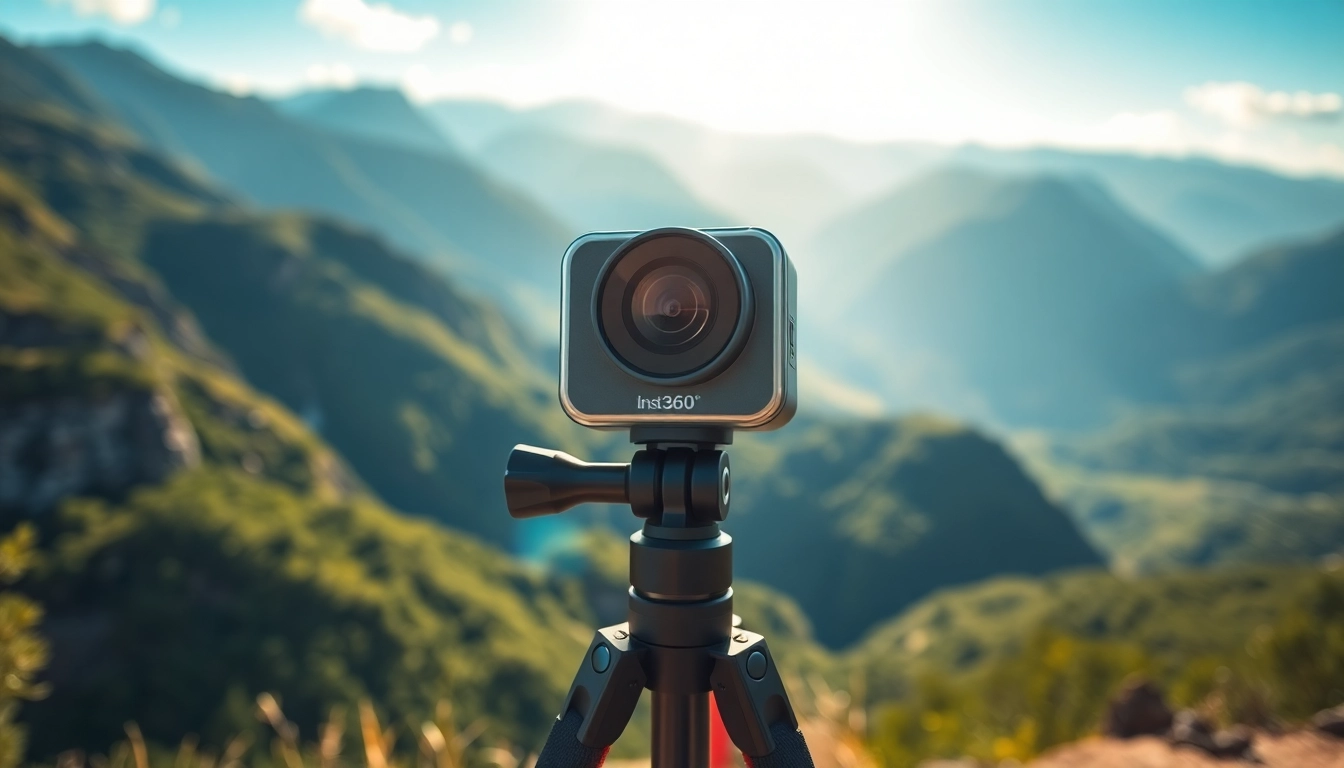
Understanding Insta360 Technology
What is Insta360?
Insta360 is a brand renowned for its innovative 360-degree cameras that revolutionize the way we capture and share experiences. The flagship models, such as the Insta360 X3 and GO, incorporate advanced technologies that enhance photography and videography. Designed for both amateur and professional users, these cameras provide exceptional image quality, dynamic performance, and unique features that set them apart in a crowded market. One of the core advantages of the Insta360 line is their intuitive integration with various editing applications, making it easy to create stunning content. For those looking to explore what Insta360 offers, more details can be found at Insta360.
Key Features of Insta360 Cameras
Insta360 cameras come packed with features that cater to a wide range of users:
- 8K Video Resolution: Many models support high-resolution video capturing, ensuring every detail is crisp and vivid.
- FlowState Stabilization: This advanced stabilization technology eliminates shaky footage, providing smooth and professional-quality output.
- Multiple Shooting Modes: Insta360 cameras offer various modes such as time-lapse, bullet time, and HDR to enhance creative control.
- Easy Sharing: The companion app simplifies the process of editing and sharing directly to social media platforms.
- Durability: Many models are designed to be waterproof, making them suitable for adventurous shooting environments.
Comparison with Other Cameras
When juxtaposed with traditional DSLR or mirrorless cameras, Insta360 offers unique capabilities primarily focused on immersive content creation. While DSLRs excel in low-light conditions and provide exceptional image quality, they lack the innovative capabilities of 360-degree capture. Insta360 cameras allow users to create panoramic photos and videos that can be viewed in virtual reality, setting them apart from most conventional cameras. Notably, the compact design also means they are more portable, appealing to travelers and outdoor enthusiasts.
Getting Started with Insta360
Unboxing Your Insta360 Camera
Unboxing your Insta360 camera is the exciting first step in your photography or videography journey. The packaging is designed not only to protect the camera but also to enhance the unboxing experience. Inside, you will typically find the camera unit, a USB charging cable, a user manual, and a warranty card. Additionally, some models come with extra accessories such as a lens cap or a grip tripod, which can enhance your shooting experience from the very beginning.
Basic Setup Guide
Setting up your Insta360 camera is straightforward. Start by charging the device fully using the included USB cable. Once charged, open the Insta360 app on your smartphone and follow the prompts to pair your camera via Bluetooth. This step usually involves scanning a QR code displayed on the camera. After pairing, you can customize settings such as resolution, frame rate, and shooting modes directly from the app, allowing for a fully personalized shooting experience.
Understanding the App Integration
The Insta360 app is a powerful companion that enhances your shooting experience. This app allows users to preview shots, adjust camera settings, and access various editing tools. Every Insta360 camera integrates seamlessly with the app, enabling advanced features like AI-powered editing, template-based video creation, and easy sharing options. Understanding how to effectively utilize this app is key to maximizing your content quality and audience engagement.
Capturing Stunning Footage
Best Practices for Shooting
To capture stunning footage with your Insta360 camera, consider the following best practices:
- Stability is Key: Use a tripod or stabilization equipment to reduce vibrations and ensure smooth footage.
- Lighting Matters: Shoot in well-lit conditions whenever possible, as lower light can lead to grainy images and videos.
- Practice Different Angles: Explore various shooting angles to discover unique perspectives that enhance your storytelling.
- Use Advanced Modes: Experiment with bullet time and hyperlapse modes to create dynamic and engaging content.
- Check Settings: Before shooting, ensure you’re familiar with the available modes and settings tailored for your intended output.
Using Insta360 for Different Activities
Insta360 cameras are versatile and can be tailored for various activities, including:
- Sports and Adventure: Ideal for capturing intense action shots during skiing, cycling, or surfing.
- Travel: Perfect for documenting scenic views and world landmarks from unique angles.
- Events: Capture gatherings or special moments without compromising on viewer experience with immersive 360-degree content.
- Vlogging: Utilize the camera for engaging vlogs that offer a first-person perspective, capturing the essence of your experiences.
Tips for Night and Low-Light Photography
Capturing great footage in low-light settings can be challenging, but with some careful planning, you can achieve impressive results:
- Increase Exposure: Use the camera’s settings to adjust the exposure time, allowing more light to reach the sensor.
- Stabilize Your Camera: Use a tripod or stable surface to avoid blur caused by camera movement.
- Utilize External Lights: If possible, incorporate additional lighting to enhance visibility and reduce graininess.
- Post-Editing: Use editing apps to enhance brightness, contrast, and reduce noise in your footage post-capture.
Editing and Sharing Your Content
Essential Editing Tools
Editing is crucial for producing polished and professional-looking content. Some essential editing tools available in the Insta360 app include:
- AI Editing: The app’s AI automatically analyzes your footage, applying cuts and transitions that enhance storytelling.
- Templates: Use built-in video templates designed to work seamlessly with Insta360 footage for quick edits.
- Manual Editing Controls: For those wanting more control, the app offers various manual editing options to adjust clips, filters, and music.
Quick Editing Techniques
To streamline your editing process, consider these quick techniques:
- Batch Editing: Edit multiple clips in one go using bulk editing features to save time.
- Use Presets: Apply color grading and effects using presets for a consistent look across clips.
- Sound Design: Enhance your videos with background music and sound effects available in the app’s library.
Sharing Your Footage on Social Media
The ability to share stunning footage effortlessly is one of the appeals of using Insta360 cameras. After editing, users can directly upload videos to platforms like Instagram, Facebook, and YouTube. Make sure to optimize content by using appropriate hashtags and engaging captions to reach your audience effectively. Each platform may have different requirements, so stay informed on the best practices for video sharing specific to each social network.
Maximizing Your Insta360 Experience
Accessories to Enhance Functionality
To boost the performance and versatility of your Insta360 camera, consider investing in accessories such as:
- Tripods: Essential for stable shots, especially in long exposure scenarios.
- Microphones: External microphones can significantly enhance audio quality, which is crucial for vlogs and events.
- Lens Filters: Filters can improve shot quality, particularly for outdoor photography by reducing glare and enhancing colors.
- Carrying Cases: A protective case is indispensable for travelers to ensure the camera remains secure during transportation.
Common Troubleshooting Tips
Like any technology, users may encounter issues with their Insta360 cameras. Here are some common troubleshooting tips:
- Camera Not Powering On: Ensure the device is charged. If not responsive, perform a restart by holding the power button.
- Connection Issues: If having trouble connecting to the app, make sure Bluetooth is enabled on your device and attempt the pairing process again.
- Quality Issues: For low video quality, check the settings to ensure they are configured appropriately for the shooting environment.
Staying Updated with Insta360 Innovations
Insta360 frequently updates its product line and app features. To stay informed about new models, software updates, and feature improvements, subscribe to their newsletter or follow them on social media. Engaging with the community through forums or social media can also provide insights and tips from other users, enhancing your overall experience.
Frequently Asked Questions
1. What is the battery life of Insta360 cameras?
Battery life varies by model but generally lasts between 60 to 100 minutes of continuous recording, depending on settings and usage.
2. Can I use Insta360 cameras for live streaming?
Yes, many Insta360 cameras support live streaming to popular platforms, allowing real-time content sharing.
3. Are Insta360 cameras waterproof?
Many models, including the Insta360 X3, are waterproof up to a certain depth, making them suitable for water-based activities.
4. How do I update my Insta360 app?
Updates can be downloaded from the app store on your device. The app will usually prompt you when a new version is available.
5. Is it easy to share Insta360 videos on social media?
Yes, the Insta360 app allows users to share directly to various platforms with optimized settings for each service.