

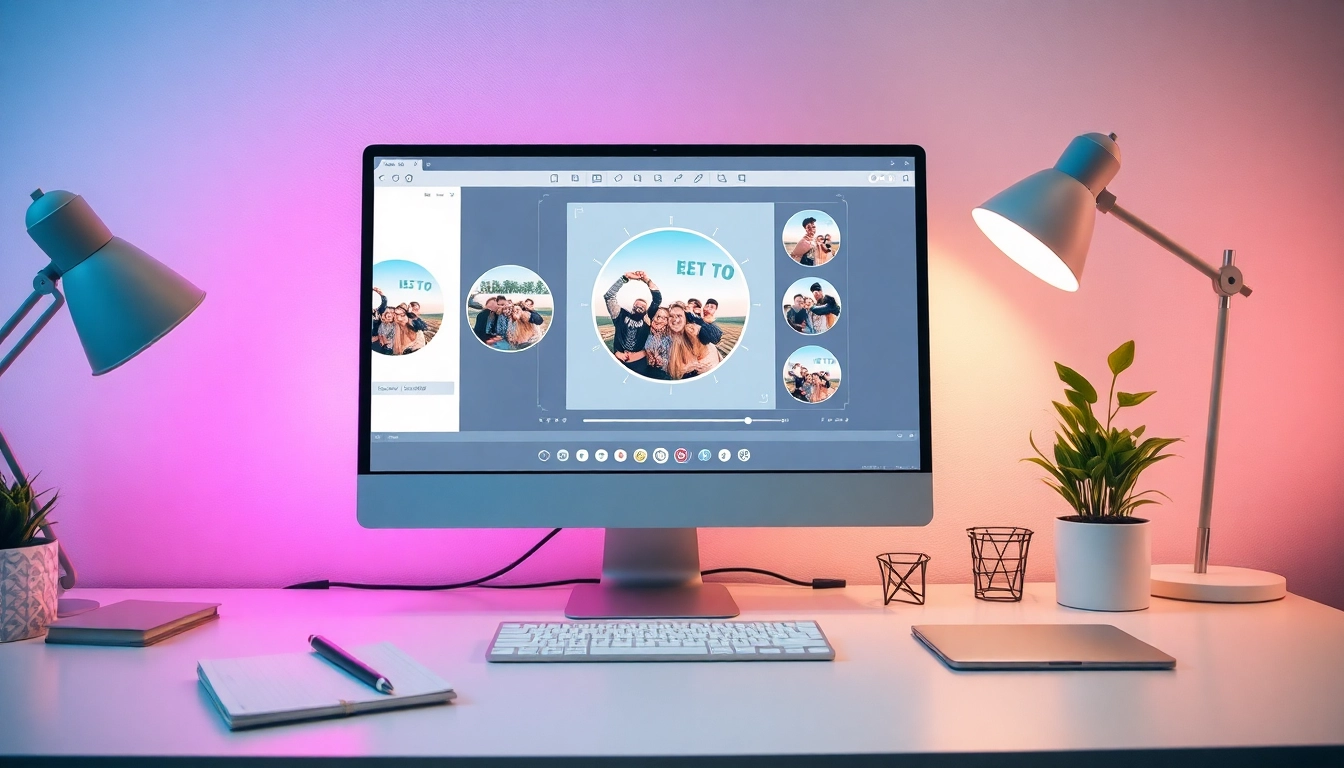
Understanding Circle Photos
In the world of photography and digital design, the method of cropping images can significantly influence their impact. Circle photos have surged in popularity, particularly on social media platforms, where they can create a unique visual appeal and enhance user engagement. This article delves into what circle photos are, their benefits, and how to effectively create and use them in various contexts, ensuring your images stand out.
What is a Circle Photo?
A circle photo refers to an image that has been cropped into a circular shape, offering a distinctive alternative to traditional rectangular photographs. This kind of cropping can be performed using various digital tools and applications, allowing for creativity and personalization. Circle photos are commonly used for profile pictures, decorative elements in marketing materials, and artistic layouts in scrapbooks. The rounded shape tends to draw the eye, making it an effective choice for captivating visuals.
Benefits of Using Circle Photos on Social Media
- Enhanced Visual Appeal: Circle photos can make your profiles or posts visually striking, attracting more attention than standard rectangular images.
- Optimal Composition: Circular cropping can help focus on the subject, eliminating distracting background elements.
- Brand Identity: Using consistent shapes across your marketing materials can enhance brand recognition.
- Improved Engagement: Unique visuals are more likely to be shared or interacted with on platforms like Instagram and Facebook.
Common Misconceptions About Circular Cropping
Despite the popularity of circle photos, several misconceptions still exist. Some believe that circular cropping reduces image quality or is more complicated than traditional cropping. In reality, with the right tools, such as circle photo editors, cropping images into circles can be done swiftly while maintaining high quality. Additionally, circular cropping is not limited to portraits; it can enhance landscapes and other types of images when done thoughtfully.
How to Crop an Image into a Circle
Creating a circle photo can be accomplished with a few simple steps. Using online tools or photo editing software, even beginners can achieve professional-looking results. Below are step-by-step instructions to guide you through the process.
Step-by-Step Instructions for Circle Cropping
- Select Your Image: Choose the photo you wish to crop and open it in your preferred editing software or online cropping tool.
- Access the Crop Tool: Find the cropping tool within the software; many tools will have a specific option for circular cropping.
- Adjust the Crop Frame: Typically, you can drag a circular frame over the area of the image you want to keep. Make sure to position it accurately to focus on the subject.
- Apply the Crop: Once satisfied with the placement, apply the crop. Most tools will allow you to preview the final result before confirming.
- Export Your Image: Save your newly created circle photo in your preferred format, ensuring that quality settings are optimal for your needs.
Choosing the Right Tool for Circle Photo Editing
There are numerous tools available for cropping images into circles, ranging from simple online editors to more complex desktop software. Look for features such as ease of use, various aspect ratios, and quality control settings. Popular options include Canva, Photoshop, and specialized online services. Always choose a tool that fits your project needs and personal comfort level.
Tips for Maintaining Image Quality During Cropping
Maintaining high image quality while cropping is crucial, especially for professional use. Here are some tips to ensure quality is preserved:
- Start with High-Resolution Images: The higher the resolution of your original image, the better the final product will be after cropping.
- Choose the Right File Format: Save your images in formats that support high quality, such as PNG or TIFF, especially if you plan to use them for print.
- Avoid Over-Cropping: Be mindful of your cropping area; excessive cropping can lead to pixelation and loss of detail.
- Utilize Preview Features: Many editing tools offer previews. Use them to ensure the crop is aesthetically pleasing before finalizing.
Creative Uses for Circle Photos
Circle photos aren’t just for social media profiles; they can be creatively integrated into various projects. Below are some inspiring uses to enhance your designs.
Crafting Unique Profile Pictures
One of the most common uses for circle photos is in social media profile pictures. A well-cropped circular photo can make a striking impression, helping users to stand out on platforms like Instagram, Twitter, and LinkedIn. When choosing a photo, consider the background and ensure that it complements the subject of your image.
Designing Engaging Marketing Materials
Circle photos can be effective in creating visually appealing marketing materials. They can be used in flyers, brochures, and business cards to create an eye-catching design. By framing testimonials or product images in circles, you can add a modern touch that appeals to audiences.
Creating Artistic Scrapbook Layouts
For those interested in crafting, circle photos can enhance scrapbook layouts. They can be used to frame important memories uniquely, such as birthdays, holidays, or family events. Integrating various shapes, including circles, can add depth and creativity to the composition.
Optimizing Your Circle Photos for Different Platforms
When using circle photos, it’s essential to optimize them for different platforms to ensure they display correctly. Each platform may have specific requirements regarding image dimensions and quality.
Best Practices for Social Media Profiles
Each social media platform has preferred dimensions for profile pictures. For instance, Facebook recommends a 180×180 pixel image for profile pictures, while Instagram prefers a 320×320 pixel image. Make sure your circle photo meets these specifications to avoid distortion when displayed on profiles.
Adjusting Aspect Ratios for Various Uses
While circular cuts are generally consistent, the aspect ratios can vary based on the context. For example, a circle photo intended for a profile may need a different crop than one intended for a website banner. Adjusting the size and ensuring the focus remains on the subject is critical for optimal results.
Using Circle Photos in Digital Marketing Campaigns
Incorporating circle photos into digital marketing campaigns can enhance visual storytelling. They can be used in email headers, social media ads, and blog posts, creating a consistent and appealing aesthetic. Using circle photos effectively can increase engagement rates and enhance the overall design of your marketing materials.
Future Trends in Photo Editing for 2026
As technology evolves, so do the tools and techniques available for photo editing. The future of circle photo editing is likely to be influenced by advancements in AI, user experience, and design trends.
Emerging Tools for Circle Photography
Look out for tools that leverage AI technology to enhance photo editing. These emerging tools may offer smart cropping features that can help create perfectly framed circle photos automatically based on the content of the image.
AI Innovations in Image Cropping
AI advancements are set to change the landscape of image cropping significantly. Future tools may include capabilities that analyze images and suggest optimal cropping options, further simplifying the editing process while ensuring high-quality results.
Predictions for Visual Content Creation
As visual content continues to dominate online platforms, the use of unique formats like circle photos is expected to rise. Creators will likely favor more dynamic and engaging formats that capture audience attention, making an understanding of circular cropping essential for effective content creation.